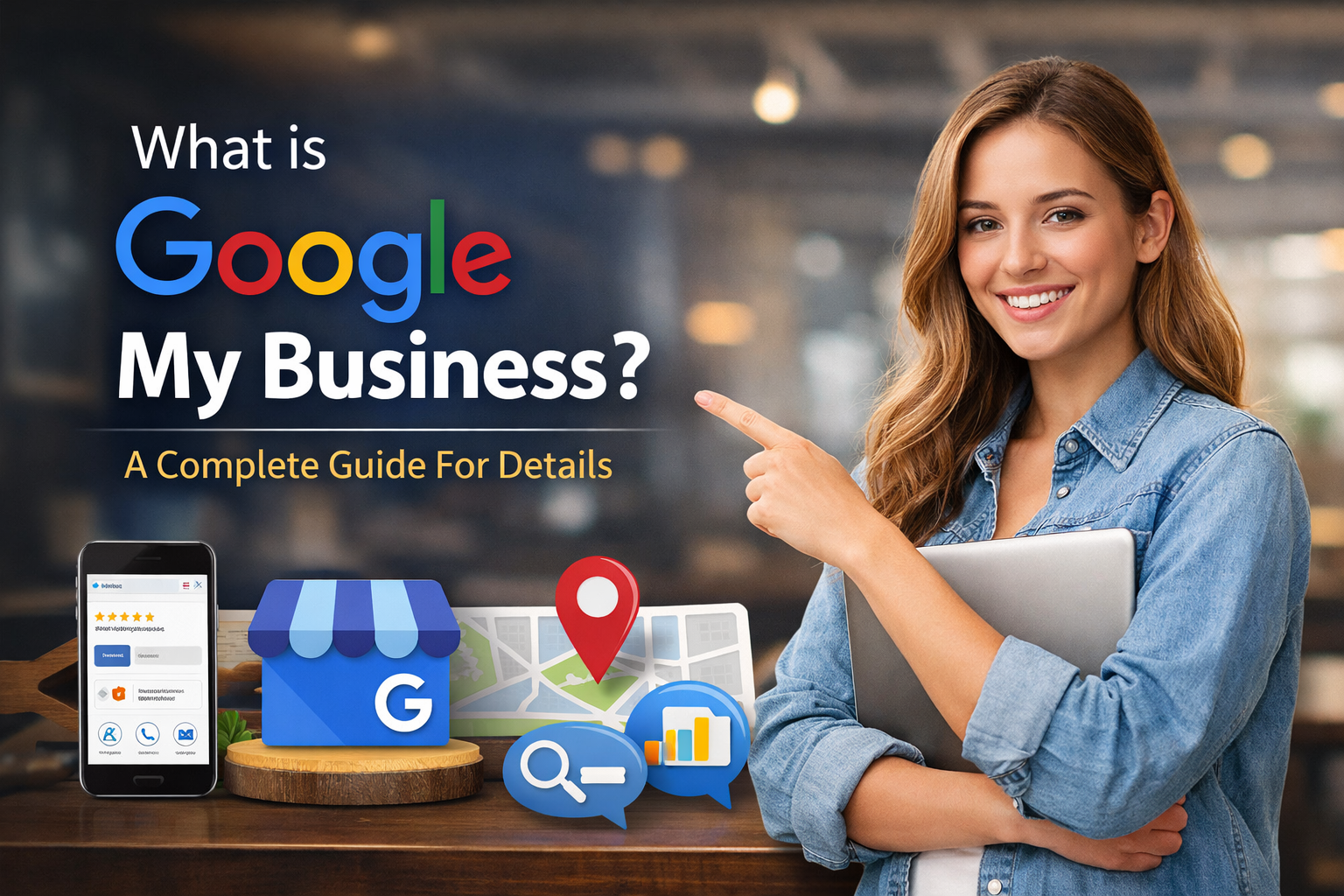
Google My Business is a powerful, free tool that helps businesses manage their online presence on Google Search and Maps. By creating and optimising a Google Business Profile, you can engage with customers, showcase your products or services, and improve your local search visibility. In this blog, we cover everything from setting up your account to using it for local marketing and SEO, helping you attract more customers and grow your business online.
What is a Google Business Profile?
A Google Business Profile includes essential details like your business name, address, phone number, website link, and category. It may also show reviews, photos, and other information that Google pulls from across the web. The profile allows customers to leave reviews, ask questions, and interact with your business directly through Google.
It’s important to note that creating a Business Profile alone does not give you full control over it. Without a Google My Business account, your profile can be updated by anyone or even populated automatically with online data.
This is where Google My Business comes in. By creating an account, you gain the ability to manage, customise, and enhance your Business Profile as all for free.
What is Google My Business?
Google My Business is a free tool that helps you manage and optimise your Business Profile. With it, you can engage with customers, highlight key business information, track performance, and optimise your listing for local search.
Using Google My Business, you can:
- Respond to reviews and customer questions
- Add business hours, product details, and website links
- Post updates, promotions, and events
- Track profile performance and audience engagement
Essentially, Google My Business turns a basic listing into a dynamic, interactive tool that supports local marketing, builds trust with customers, and boosts your online visibility.
How to Use Google My Business for Local Marketing?
Google My Business isn’t just about having a listing; it’s about actively using it to attract customers. Here are some of the key ways you can leverage it for local marketing:
1. Engage with Your Customers
Consumers interact with your Business Profile by leaving reviews, asking questions, or sending messages. Your Google My Business dashboard allows you to:
- Respond to reviews promptly
- Answer questions on your profile
- Enable direct messaging to connect with customers
- Publish posts similar to social media updates
This interaction builds trust, encourages repeat business, and signals to Google that your business is active.
2. Highlight Your Business
A complete profile gives potential customers a clear picture of what your business offers. Through Google My Business, you can:
- Provide business hours and special hours for holidays
- Include links to your website and social media
- Showcase products, services, and pricing
- Add photos and videos that make your business stand out
The more complete and accurate your profile, the higher it ranks in local search results.
3. Gain Insights
Understanding your audience is crucial for local marketing. Google My Business provides detailed analytics, including:
- Queries customers use to find your profile
- How many found you via Google Search vs. Google Maps
- Actions taken on your listing, such as website clicks or directions
- Photo performance compared to competitors
These insights allow you to refine your strategy and make data-driven decisions.
4. Optimise for Local SEO
Google My Business plays a direct role in your local SEO strategy. By optimising your profile with relevant keywords and accurate information, you can improve your chances of appearing in the “3-Pack” of local results. Using SEO best practices on your profile helps you compete even against larger competitors in your area.
How to Use Google My Business for SEO?
SEO is about more than just website optimisation. Your Google Business Profile is dynamic, and Google prioritises sections of your profile based on search terms and user intent. Here’s how to use Google My Business effectively for SEO:
Target Your Information: Incorporate relevant keywords naturally in your business description, responses to reviews, Q&A, and posts. Think of this as similar to on-page SEO for a website.
Maintain Quality: Complete every section in your profile with accurate, up-to-date information. Include contact details, business hours, and unique attributes that differentiate your business.
Build Trust: Encourage customer reviews and respond to them. Upload fresh photos regularly and publish posts through your Google My Business dashboard. Active and accurate profiles signal credibility to Google and improve rankings.
Optimising your profile this way supports your broader SEO efforts and is especially valuable for businesses relying on local SEO services.
How to Sign Up for Google My Business?
Getting started with Google My Business is simple and free. Follow these steps:
- Visit google.com/business
- Click “Manage now” and sign in with your Google account
- Follow the prompts to add your business details
- Locate your Business Profile on Google Maps
- Select “Claim this business” or “Own this business?”
Once your account is connected, you’ll have full management capabilities. Remember, creating a Google My Business account does not automatically create a Business Profile; you must already have or claim an existing profile. There are online SEO services that can help you create and optimise your profile much more easily.
Benefits of Using Google My Business
By using Google My Business, businesses can:
- Increase visibility in Google Search and Maps
- Engage directly with customers through reviews and posts
- Improve local search rankings through optimisation.
- Gain insights into behaviour and engagement
- Showcase products, services, and promotions for free
For companies looking to get more out of their profile, consider exploring Google Business Profile services for expert guidance in optimising and managing your listing.
Tips to Maximise Your Google My Business Profile
To get the most out of your Google My Business account, focus on these key strategies:
- Keep Information Updated: Regularly update hours, contact info, and offerings to reflect changes in your business.
- Encourage Reviews: Ask satisfied customers to leave reviews and respond promptly to all feedback.
- Add High-Quality Photos: Photos of your business, products, or team help attract customers and increase engagement.
- Post Updates Regularly: Share promotions, events, or news to keep your profile active and engaging.
- Leverage Insights: Monitor performance metrics to understand how users find your business and adjust your strategy accordingly.
By following these tips, your Business Profile will become more engaging, trustworthy, and effective at driving local leads, complementing your broader Google My Business for local marketing strategy.
Final Thoughts
A Google My Business account is no longer optional as it’s essential for local marketing success. If you haven’t already, sign up today and start unlocking the full potential of your Google Business Profile. With proper optimisation and engagement, you’ll be able to drive leads, boost visibility, and stay ahead of competitors in your local market.